
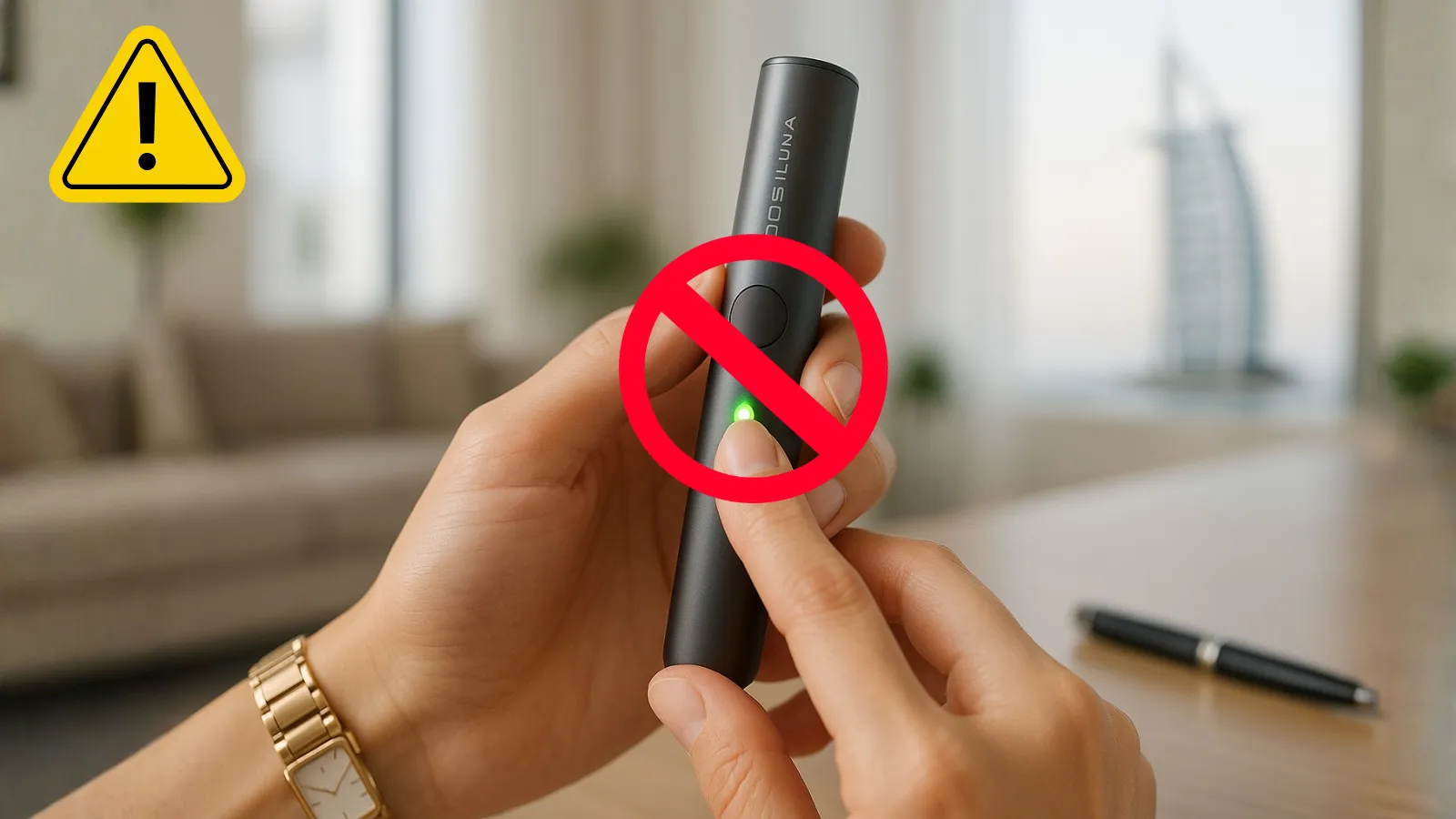
Your IQOS ILUMA won’t charge. The lights blink red. The vapor feels weak. These problems can ruin your day, especially in Dubai’s heat.
Most IQOS ILUMA problems have simple fixes. This guide shows you how to solve them yourself in minutes. No service center needed for most issues.
Quick Problem Diagnostic Table
| Symptom | Likely Cause | Quick Fix | Time Needed |
| Device won’t turn on | Dead battery | Charge for 20 minutes | 20 min |
| Red blinking light | System error | Reset device (hold button 10 sec) | 1 min |
| Weak vapor | Dirty holder or old TEREA | Clean holder, try fresh stick | 5 min |
| Won’t charge | Dirty contacts | Clean contacts with dry cloth | 2 min |
| Auto-start fails | Stick inserted wrong | Reinsert TEREA firmly | 30 sec |
| Overheating | Dubai heat exposure | Let cool to room temperature | 10 min |
| No lights at all | Complete power loss | Full reset + charge | 25 min |
Understanding IQOS ILUMA Common Problems
The IQOS ILUMA series uses induction heating instead of blades. This means fewer mechanical problems but new electronic issues.
Dubai users face specific challenges. High temperatures affect battery life. Dust clogs charging ports. These aren’t device defects—they’re environmental factors.
Most problems fall into four categories: power issues, heating problems, charging failures, and vapor quality drops. Let’s fix each one.
Power and Startup Problems
Device Won’t Turn On
This is the most reported issue in UAE. The device feels dead. No lights. No vibration. No response.
Step-by-step fix:
- Charge the device for 20 minutes minimum
- Check the charging light comes on (should glow)
- Press and hold the button for 10 seconds (full reset)
- Wait for lights to blink twice
- Try powering on again
If this fails, check your charging cable. Third-party cables cause problems. Use only official IQOS chargers.
Prevention tip: Never let the battery drain completely. Charge when you see low battery warnings.
Red Blinking Lights
Red lights mean system error. Don’t panic. This rarely indicates hardware failure.
The reset process fixes 90% of red light issues. Press and hold the main button for 10 seconds. The lights will flash, go dark, then restart.
If red lights persist after three reset attempts, contact IQOS UAE support. Your device may need professional attention.
Charging Issues
Device Won’t Charge
Dubai’s dusty environment causes most charging problems. Dirt blocks the connection between holder and charger.
Cleaning steps:
- Turn off the device completely
- Use a dry cotton swab on charging contacts
- Wipe the inside of the charging port
- Remove any visible dust or debris
- Try charging again with official cable
Check these points:
- Is the power adapter working? Test with another device
- Is the USB port damaged? Look for bent pins
- Is the cable genuine? Fake cables undercharge the device
Charging should complete in 75-90 minutes for a full charge. If it takes longer, your battery may be degrading.
Holder Won’t Charge in Pocket Charger
The holder sits in the pocket charger but doesn’t charge. The light stays off or blinks incorrectly.
This happens when contacts don’t align properly. Remove the holder. Reinsert it firmly until you hear a click. The charging light should activate immediately.
Clean both the holder’s bottom contacts and the charger’s interior contacts monthly. UAE dust builds up faster than in other climates.
Heating and Performance Problems
Weak Vapor Production
Good vapor should be smooth and consistent. Weak vapor means something blocks the airflow or heating element.
Diagnosis process:
First, try a fresh TEREA stick from a new pack. Old sticks lose moisture in Dubai’s dry air. If the new stick works fine, your old pack was the problem.
Second, check for buildup inside the holder. Even bladeless devices collect residue. Tap the holder gently on your palm to dislodge particles.
Third, ensure your TEREA stick is genuine. Counterfeit sticks don’t heat properly and damage the device.
When to clean: After every 20 uses or weekly, whichever comes first. Dubai’s environment requires more frequent maintenance.
Auto-Start Not Working
ILUMA ONE and i-series models have auto-start. Insert the stick and heating begins automatically. Sometimes this feature stops working.
Troubleshooting steps:
- Check battery level (auto-start fails when low)
- Ensure TEREA stick is fully inserted
- Verify stick is oriented correctly (filter end out)
- Try manual start by pressing the button
- Restart the device if issue persists
Temperature affects auto-start sensitivity. If your device is too hot or cold, let it reach room temperature (20-25°C) before use.
Device Overheating
IQOS ILUMA can feel hot during Dubai summers. This is normal to a degree, but excessive heat triggers safety shutdowns.
Normal vs. problem heat:
- Normal: Warm to touch during use
- Problem: Too hot to hold, automatic shutdown, error lights
If overheating occurs, stop using the device immediately. Let it cool in air-conditioned environment for 15 minutes. Never use cooling methods like refrigerators or ice—rapid temperature changes damage electronics.
Dubai users should avoid leaving devices in cars or direct sunlight. Car interiors reach 70°C in summer, well above safe operating limits.
Firmware and Software Issues
Updating Your Device
Firmware updates fix bugs and improve performance. IQOS releases updates through the official app.
Download the IQOS app from App Store or Google Play. Connect your device via Bluetooth. The app will notify you of available updates.
Updates take 10-15 minutes. Keep the device charged above 50% during updates. Don’t interrupt the process.
Bluetooth Connection Problems
Some ILUMA models connect to smartphones for tracking and settings. Connection issues are common in areas with many wireless devices.
Connection fixes:
- Turn Bluetooth off and on
- Forget device in phone settings, then re-pair
- Update the IQOS app to latest version
- Restart both phone and IQOS device
When to Seek Professional Help
Some problems need expert attention. Don’t waste time on advanced troubleshooting if these apply:
Seek service if:
- Device won’t respond after three reset attempts
- Physical damage (cracks, broken parts)
- Water damage (even if device appears dry)
- Burning smell during use
- Device is under warranty and not working
IQOS UAE service options:
- Visit official IQOS boutiques in Dubai Mall or other locations
- Contact customer support: 800-IQOS (800-4767)
- Use the IQOS app to book service appointments
- Check warranty status before paying for repairs
Warranty covers manufacturing defects but not damage from misuse, drops, or water exposure.
Prevention: Stop Problems Before They Start
Most IQOS ILUMA problems are preventable. Follow these maintenance habits:
Weekly tasks:
- Clean charging contacts with dry cloth
- Check for dust in ports and openings
- Test charging cable and adapter
- Update app and firmware if notifications appear
Monthly tasks:
- Deep clean the holder (tap out debris)
- Check for software updates manually
- Inspect for physical wear or damage
- Replace charging cable if frayed
Storage tips:
- Keep device at room temperature (15-25°C)
- Store in case when not in use
- Avoid humid environments
- Don’t leave in parked cars
Dubai’s climate accelerates wear. Regular maintenance extends device life significantly.
TEREA Stick Issues
Sometimes the problem isn’t your device—it’s the tobacco stick.
Stick-related problems:
- Stick won’t insert: Check you’re using TEREA, not HEETS
- Stick gets stuck: Never force removal, contact support
- Stick doesn’t heat: Try different pack, check expiry date
- Flavor is weak: Store sticks in cool, dry place
TEREA sticks must be stored properly in UAE’s climate. Heat and humidity degrade tobacco quickly. Keep unopened packs sealed. Use opened packs within two weeks.
Model-Specific Notes
Different ILUMA models have unique quirks:
ILUMA ONE: Single-piece design means you can’t separate holder from charger. This simplifies troubleshooting but limits some fixes.
ILUMA Standard: Two-piece design allows independent holder and charger issues. If holder works but charger doesn’t (or vice versa), you can isolate the problem.
ILUMA Prime: Includes touch controls and premium features. Touch responsiveness issues need firmware updates, not physical fixes.
ILUMA i-series: Latest models with enhanced auto-start and app connectivity. Most troubleshooting happens through the app.
Quick Emergency Fixes
Need your device working right now? Try these fast solutions:
5-minute fixes:
- Clean all contacts with dry cloth
- Remove and reinsert TEREA stick
- Charge for 5 minutes minimum
- Perform quick reset
1-minute fixes:
- Switch to fresh TEREA stick
- Press and hold reset button
- Check battery indicator lights
- Try different charging position
Final Troubleshooting Checklist
Before contacting support, verify you’ve tried these steps:
✓ Full device reset (10-second button hold)
✓ Cleaned all charging contacts
✓ Tested with fresh TEREA stick
✓ Charged device fully (90 minutes)
✓ Updated firmware through app
✓ Let device reach room temperature
✓ Used only official IQOS accessories
✓ Checked warranty status
If all steps fail, your device needs professional service. Don’t attempt unauthorized repairs—this voids warranty and can be dangerous.
Conclusion
Most IQOS ILUMA problems have simple solutions. Reset, clean, charge—these three actions fix 80% of issues Dubai users face.
Know when to DIY and when to seek help. Minor problems respond to home fixes. Major issues need official service. Don’t risk damaging your device with aggressive troubleshooting.
Keep your device clean, charged, and protected from extreme temperatures. Prevention beats repair every time.
Need more help? Visit iqosheet.com for TEREA sticks, accessories, and complete IQOS ILUMA guides for Dubai users.
Last updated: October 2025. Information based on IQOS ILUMA models available in UAE.