
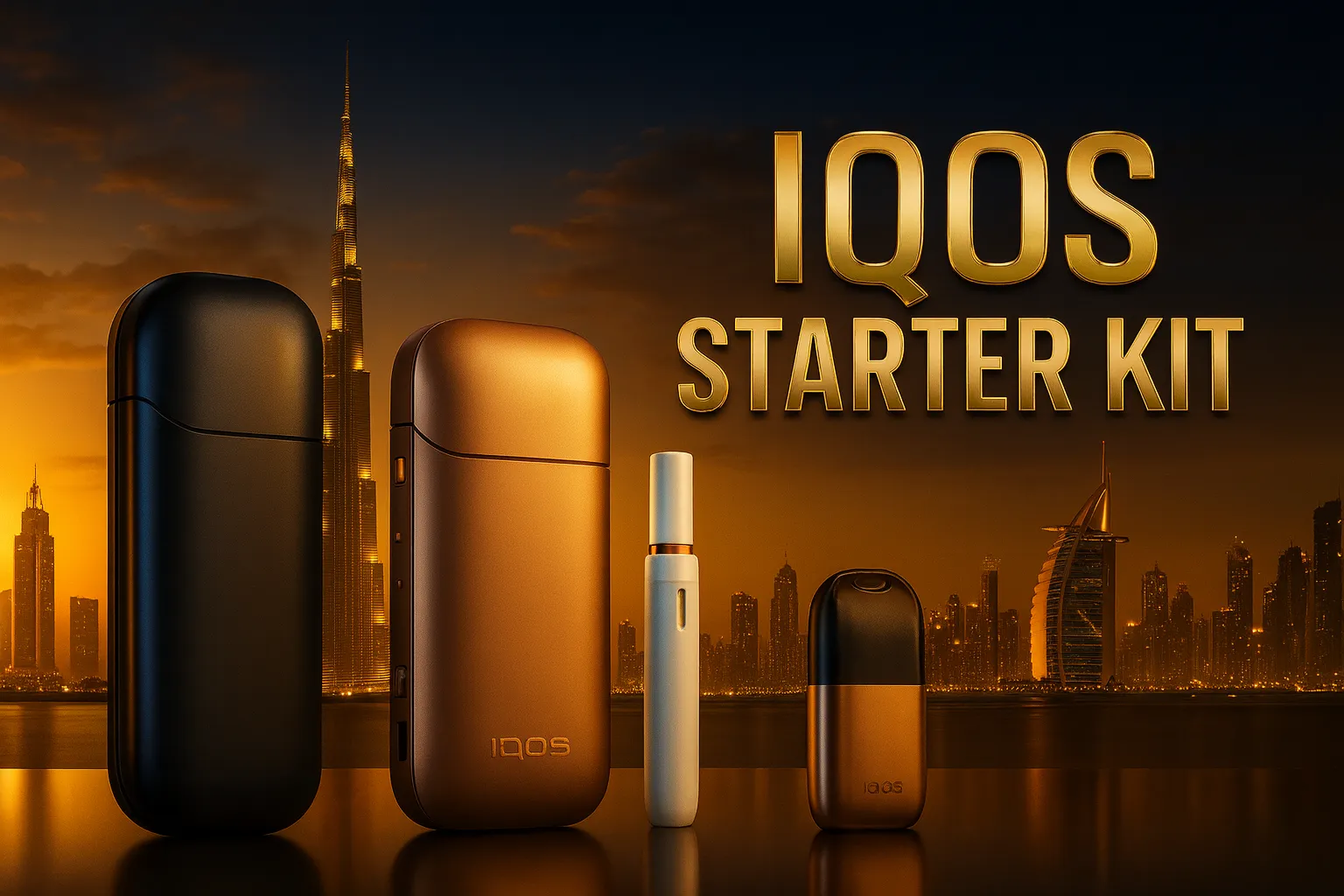
Buying your first IQOS device in Dubai can feel hesitant. You open the box and see several items. What do they all do? How do you set everything up? This guide answers those questions.
We’ll walk through every item in your IQOS starter kit. You’ll learn what each piece does and how to use it properly. By the end, you’ll be ready to start using your device with confidence.
What Is an IQOS Starter Kit?
An IQOS starter kit contains everything you need to begin using your heat-not-burn device. The kit includes the main device, charging equipment, and essential accessories. Think of it as your complete starting package.
Most IQOS kits sold in Dubai follow a similar pattern. The exact contents vary slightly between models. But the core components remain the same across all versions.
What’s Inside the IQOS Starter Kit Box
Let’s open the box and see what you get. Here’s what most IQOS ILUMA starter kits include:
| Item | Purpose | Notes |
| Holder | Heats the tobacco stick | Main device you hold |
| Pocket Charger | Charges the holder | Portable charging case |
| USB-C Cable | Powers the pocket charger | For wall or car charging |
| Cleaning Tool | Maintains the device | Varies by model |
| User Manual | Setup and safety info | Keep for reference |
| Warranty Card | Product guarantee | Register within 30 days |
The Holder
This is the part you actually hold and use. It’s a slim, pen-like device. The holder heats your TEREA stick to the right temperature. Most holders give you one session per charge.
The IQOS ILUMA holder works differently than older models. It uses induction heating instead of a blade. This means no cleaning of heating elements.
The Pocket Charger
Think of this as your holder’s home base. The pocket charger keeps your holder powered throughout the day. A full charge gives you about 20 uses.
The charger has LED lights that show battery status. Some newer models like the ILUMA i have touchscreens. These display battery life and other useful info.
Device Compatible Charging Cable
Your kit includes a USB-C cable. This charges the pocket charger. You can plug it into any USB power adapter. Most people use their phone charger.
The cable length is usually about one meter. That’s enough to charge comfortably at your desk or bedside.
Cleaning Accessories of Iqos
IQOS ILUMA devices don’t need much cleaning. But the kit may include a cloth or simple cleaning tool. Older IQOS models include more extensive cleaning tools.
Regular cleaning keeps your device working properly. It also extends the lifespan of your investment.
How to Set Up Your IQOS Device
Setting up your IQOS takes about 10 minutes. Follow these steps carefully for the best results.
Step 1: Charge Your IQOS
Before first use, charge the pocket charger fully. Plug the USB-C cable into the charger. Then connect it to a power source.
A full charge takes about 90 minutes. The LED lights will show charging progress. When all lights are solid, you’re ready to go.
Step 2: Insert the Iqos Holder
Open your pocket charger. Place the holder inside with the cap facing up. Make sure it clicks into place. The charger will automatically begin charging the holder.
Wait until the holder light turns solid. This usually takes about 5 minutes. You’ll feel a vibration when it’s ready.
Step 3: Register Your Iqos Device
Visit the official IQOS UAE website. Register your device with the warranty card details. This gives you access to customer support and warranty coverage.
Registration takes about 2 minutes. You’ll need your email and the device serial number.
How to Use Your IQOS Device (First Time)
Now comes the exciting part. Using your IQOS for the first time is straightforward.
Preparing Your TEREA Stick
Open your pack of TEREA sticks. These are specially designed tobacco sticks for IQOS ILUMA devices. Never use regular HEETS in an ILUMA device.
Look for the filter end. It has a colored ring. The other end is the tobacco end. This is important for proper insertion.
Inserting the Tobacco Stick
Remove the holder from the pocket charger. Take off the magnetic cap by pulling it gently. Insert the TEREA stick into the holder with the tobacco end first.
Push the stick in gently until it stops. Don’t force it. The stick should slide in smoothly. You’ll feel it reach the bottom.
Starting Your Session
Press and hold the button on the holder for about one second. The device will vibrate once. Lights will pulse as it heats up.
Wait about 20 seconds. The device will vibrate twice when ready. You can now start drawing from the filter end. The entire session lasts about 6 minutes or 14 puffs.
Ending Your Session
When the session ends, the holder vibrates twice. Lights will blink to show it’s finished. Pull the cap off and remove the used TEREA stick.
The stick comes out easily. Just pull it straight out. Dispose of it in a proper waste bin. Never try to reuse a TEREA stick.
Iqos Daily Usage Tips
Here’s what you need to know for regular use:
Battery Management: Your pocket charger holds enough power for about 20 uses. Check the LED lights regularly. Charge overnight to start each day with full power.
Temperature Considerations: IQOS works best at normal room temperature. Very cold or hot conditions affect battery life. In Dubai’s heat, keep your device out of direct sunlight.
Cleaning Schedule: IQOS ILUMA needs minimal cleaning. Wipe the exterior with a soft cloth weekly. The cap can be cleaned with a damp cloth.
Stick Storage: Keep your TEREA sticks in their original pack. This maintains freshness. Don’t leave opened packs exposed to air for long periods.
What’s NOT in the IQOS Starter Kit
Your starter kit gives you the basics. But you’ll need a few additional items:
Power Adapter: The kit includes a USB-C cable but no wall plug. Use any USB power adapter you already own. Phone chargers work perfectly.
TEREA Sticks: Most starter kits don’t include tobacco sticks. You need to purchase these separately. They’re available at authorized retailers across Dubai.
Carrying Case: Some users prefer a protective case. This isn’t essential but adds extra protection. Many Dubai shops sell cases designed for IQOS devices.
Backup Holder: The starter kit has one holder. Heavy users might want a spare. This isn’t necessary when starting out.
Common First-Time Mistakes
Avoid these common errors:
Forcing the Stick: Never push the TEREA stick too hard. Gentle pressure is enough. Forcing can damage both the stick and holder.
Using Wrong Sticks: IQOS ILUMA only works with TEREA sticks. Don’t use HEETS or other tobacco sticks. They’re not compatible.
Skipping Charging: Don’t try to use your device immediately after unboxing. Charge it fully first. This ensures optimal battery performance.
Ignoring Vibrations: The device vibrates to communicate with you. Two vibrations mean it’s ready. Learn these signals for better experience.
Fix the Iqos Troubleshooting Problem
Here are quick fixes for common problems:
Device Won’t Turn On: Check if it’s charged. Connect to power and wait. If lights don’t appear, contact IQOS support.
Weak Vapor: Your holder might need charging. The TEREA stick could be old or dry. Try a fresh stick from a new pack.
Lights Blinking Red: This usually means an error. Check the user manual for your specific model. Most issues resolve with a reset.
Holder Won’t Charge: Clean the charging contacts. Make sure the holder sits properly in the charger. Try a different power source.
IQOS Make for Dubai
Using IQOS in Dubai has a few local factors:
Heat Effects: Dubai’s climate can drain batteries faster. Keep your device in air-conditioned spaces when possible.
Where to Buy Sticks: TEREA sticks are available at many authorized retailers. Check the official IQOS UAE website for locations near you.
Support Services: IQOS has service centers in major Dubai malls. They offer free device checks and cleaning services.
Travel Tips: When traveling from Dubai, pack your IQOS in carry-on luggage. Remove the holder from the charger during security checks.
Getting Started Checklist
Before your first use, make sure you’ve:
- Fully charged the pocket charger (90 minutes)
- Registered your device online
- Purchased TEREA sticks
- Read the safety information in the manual
- Located the nearest IQOS support center
Final Thoughts
Your IQOS starter kit gives you everything needed to begin. The setup process is simple. Most users are up and running within 15 minutes. Take time to read the user manual. Each model has specific features worth knowing. Don’t hesitate to visit an IQOS store in Dubai if you need help. The first few uses teach you the device’s rhythm. You’ll quickly learn the vibration patterns and timing. After a week, using your IQOS becomes second nature.
Start with quality TEREA sticks from authorized retailers. This ensures the best experience with your new device. Welcome to the heat-not-burn experience.